
Par times, splits and first-shot time on a shot timer
By Asset Firearms instructors. 14 November 2026.
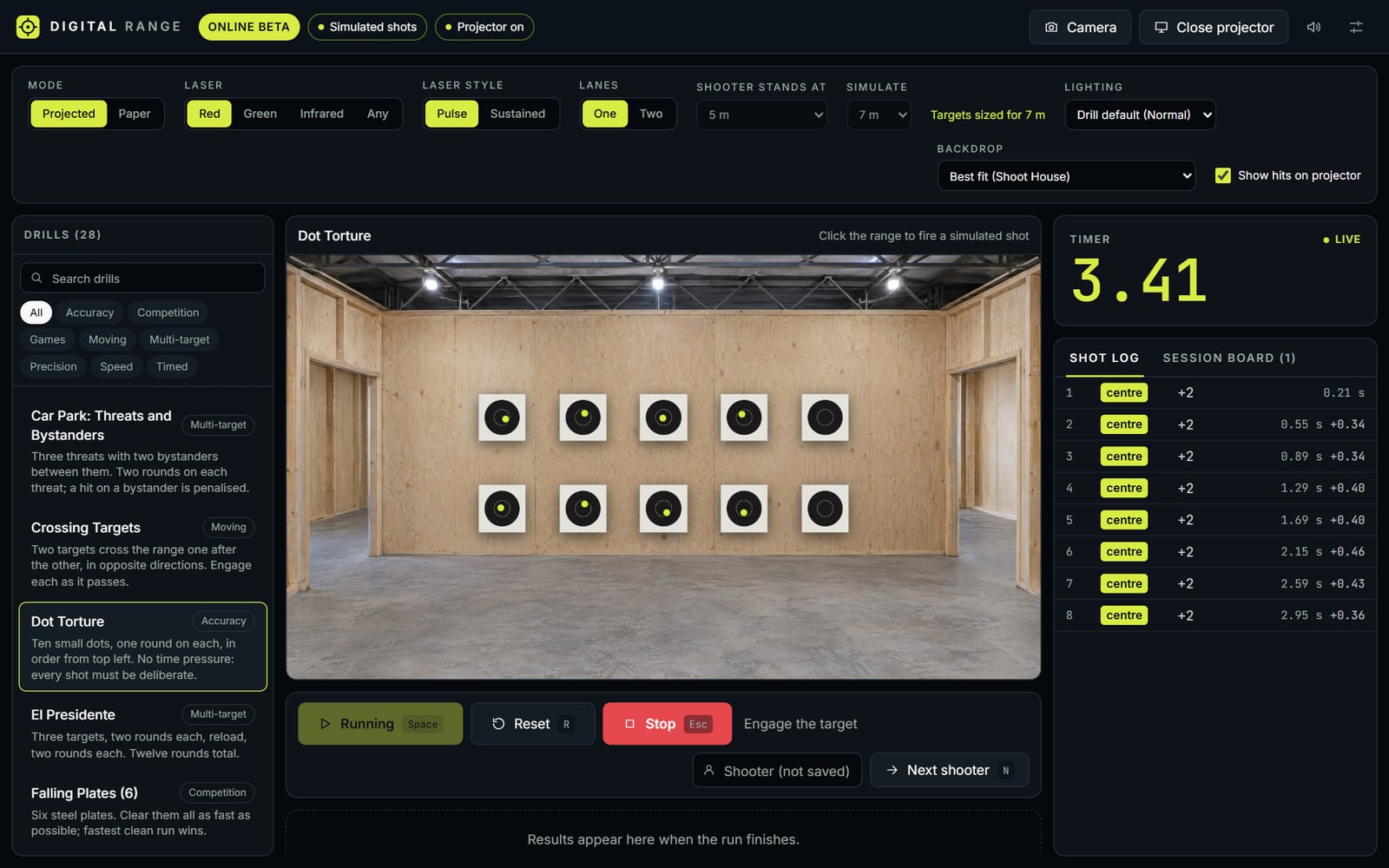
A shot timer turns "that felt quick" into a number. Used well, it shows you exactly where a run lost time. Used badly, it teaches you to spray shots to beat a beep.
This piece covers the three numbers that matter most, what each one tells you, and how to use them without letting speed take over from hits.
How the timer runs
In Digital Range every timed drill starts the same way. The screen shows "Stand by", then the start beep sounds after a random delay. Most drills use a delay of between 1.5 and 4 seconds. Because you cannot predict the beep, you have to react to it rather than guess it.
The timer starts on the beep and records the moment of every shot. When the drill's last hit lands, or its time runs out, the run ends and the results appear. Misses are recorded with everything else, so a fast run full of misses looks like what it is.
First-shot time
First-shot time is the gap between the beep and your first shot.
It is the number for draw and reaction work. It includes hearing the beep, deciding to move, bringing the firearm up or out, finding the sights and pressing the trigger.
Things that inflate it:
- Waiting to "see" the beep before moving. Train yourself to move on the sound.
- A slow, untidy presentation. Practise the same path to the target every time.
- Over-refining the sight picture on the first shot. Accept an acceptable picture and press.
If your first shot is slow but your splits are quick, you know where to spend your next session.
Split times
A split is the time between one shot and the next.
Splits tell you about trigger control and, on multi-target drills, transitions. Read them in groups:
- Splits on the same target show how quickly you reset and press again while keeping the sights on.
- Splits between targets show how quickly your eyes and muzzle move to the next target and settle.
- One long split in the middle of a drill like the Reload Drill or El Presidente is usually the reload. The Reload Drill gives a spoken "Reload" cue, and the time from the cue to the next shot is your reload time.
Even splits are a good sign. Uneven ones mean something changes from shot to shot, and that is worth finding before you try to go faster.
Par time
Par is a time set for the drill: finish within it.
Each drill in the Digital Range library carries its own par. The Bill Drill has a par of 2.5 seconds for six rounds, the Mozambique 2 seconds for three, and El Presidente 10 seconds for twelve. Par is a goal, not a starting point.
The way I coach it:
- Shoot the drill slowly until every hit is in the scoring zone you want.
- Speed up a little at a time, run after run.
- When the hits start to spread, back off to the last speed that held.
- Only chase par once the hits stay put.
Hit factor
Some drills score by hit factor: points divided by time. It rewards both speed and accuracy, and punishes trading one for the other too far. A slower run with every shot in the A zone can beat a fast run that drops into the D zone. If you want to know whether a faster run was actually better, hit factor tells you.
Tracking your own progress
Digital Range keeps no shooter data. There are no accounts, no names and no history, and results stay on screen until the app closes. The session board ranks finished runs for the current drill, which is handy on a club night, but it clears when the app does.
So if you want to see progress over weeks, write it down. A simple log works:
- Date, drill and distance.
- First-shot time and the slowest split.
- Total time against par.
- Hits by zone, and any misses.
- One note on what you worked on.
Look back over a month of entries and the pattern is usually obvious.
Keep it in proportion
A timer is a measuring tool, not the goal. Safe handling and good hits come first, every time. Laser practice with a timer supplements supervised live-fire practice and never replaces it. To see the timer in action, look at three classic drills explained, or read about the shot timer and scoring features.