
How a projected laser range works
By Asset Firearms instructors. 14 November 2026.
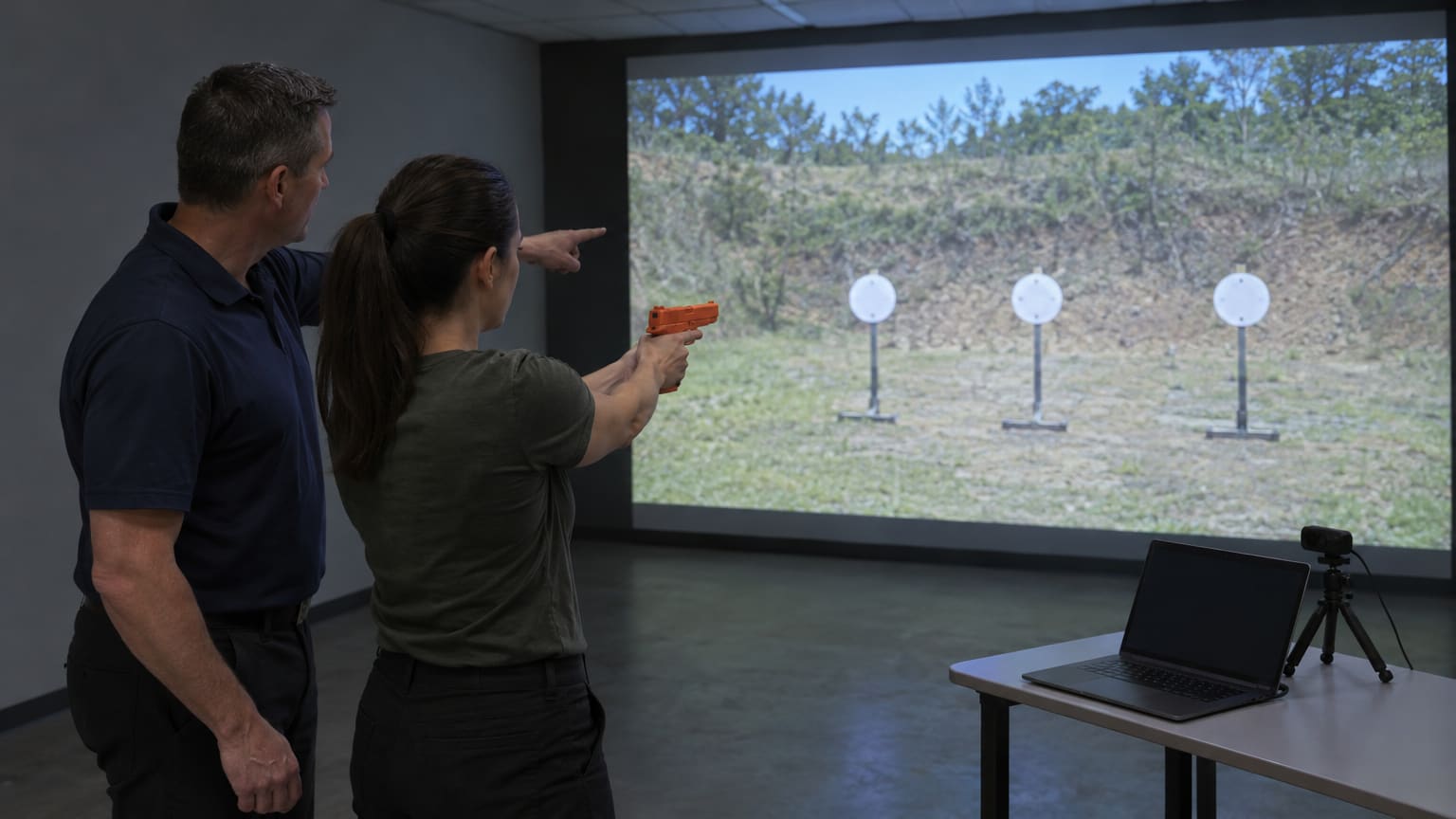
A projected laser range looks simple from the shooting position. A scene appears on the wall, targets pop up, and every shot is scored. Behind that are four parts working together: the projector, the camera, the laser training firearm and the PC that ties them together.
Here is how each part does its job, using Digital Range as the example.
The projector draws the range
The projector throws a full scene onto a screen or a wall. In Digital Range that can be a bush range, a car park, a shoot house or an urban laneway, with seventeen backdrops to choose from. The targets sit on top of the scene, and they do not have to stand still. They can pop up for a set time, move side to side, bob up and down, or cross the scene.
Any projector bright enough for the room will do. A dimmer room makes the image easier to see, but it is the camera that matters most for scoring.
The camera watches the screen
A USB camera points at the projected image and watches for the laser. The type of camera matters more than its price. Ordinary webcams use a rolling shutter that reads the picture line by line, and a short laser pulse can be missed. A global-shutter camera captures the whole frame at once, so it catches the flash.
Digital Range recommends a global-shutter USB 3 camera running at 60 frames a second or better, with manual exposure. The full list is in the hardware section.
Detecting the shot
The system does not simply look for a red or green dot. It looks for the moment the laser appears. Each shot is caught on the flash of the laser, not just its presence, so a sustained beam held on target never double counts.
That works with red, green and infrared training lasers, both pulse cartridges that flash once per trigger press and sustained-beam trainers that stay lit while the trigger is held.
Detection and scoring run entirely on the venue PC. No internet connection is needed to train, so a session never stops because the club Wi-Fi dropped out.
Calibration ties the camera to the scene
The camera sees the wall at an angle, and a projected image is rarely a perfect rectangle. Calibration fixes that. You pick the camera, set the exposure against a live picture, then click the four corners of the projected screen. From then on Digital Range knows exactly which point in the scene each laser flash landed on.
It remembers that calibration, so if nothing has moved you are ready next time. If someone bumps the camera or the projector, calibrate again before anyone shoots.
Scoring the hit
Once the system knows where a shot landed, it checks which target was there at that moment and which scoring zone it hit. Digital Range scores metric silhouette, IPSC-style and bullseye zones, steel hit-or-miss and hit factor, with penalties for misses and no-shoots.
The shot timer runs alongside. A start beep begins the run, and you get a split for every shot and a first-shot time. When the run ends, the review shows where every round went. The features list covers the rest, including range sounds you can adjust or mute.
Running the line
A range is only useful if the next shooter can step up quickly. Finished runs are ranked on the session board for the current drill. Press N for the next shooter, R to reset and Space to start. Nobody is identified: there are no names, no accounts and nothing kept once the app closes.
On the projected range, Digital Range can also run two lanes, with two shooters side by side, red laser on the left and green on the right, scored separately from the same start beep.
What it is not
A projected laser range is a training aid. It builds trigger control, sight picture, transitions and decision making, but it does not replace supervised live-fire practice, and it does not count toward a licence. Use laser training firearms only, never a live firearm or ammunition near the setup. Keep your finger off the trigger until you are on target, and run every session under your club's safety rules and range standing orders.
No projector? The same scoring works on printed targets. Read paper or projected to see which suits your space.